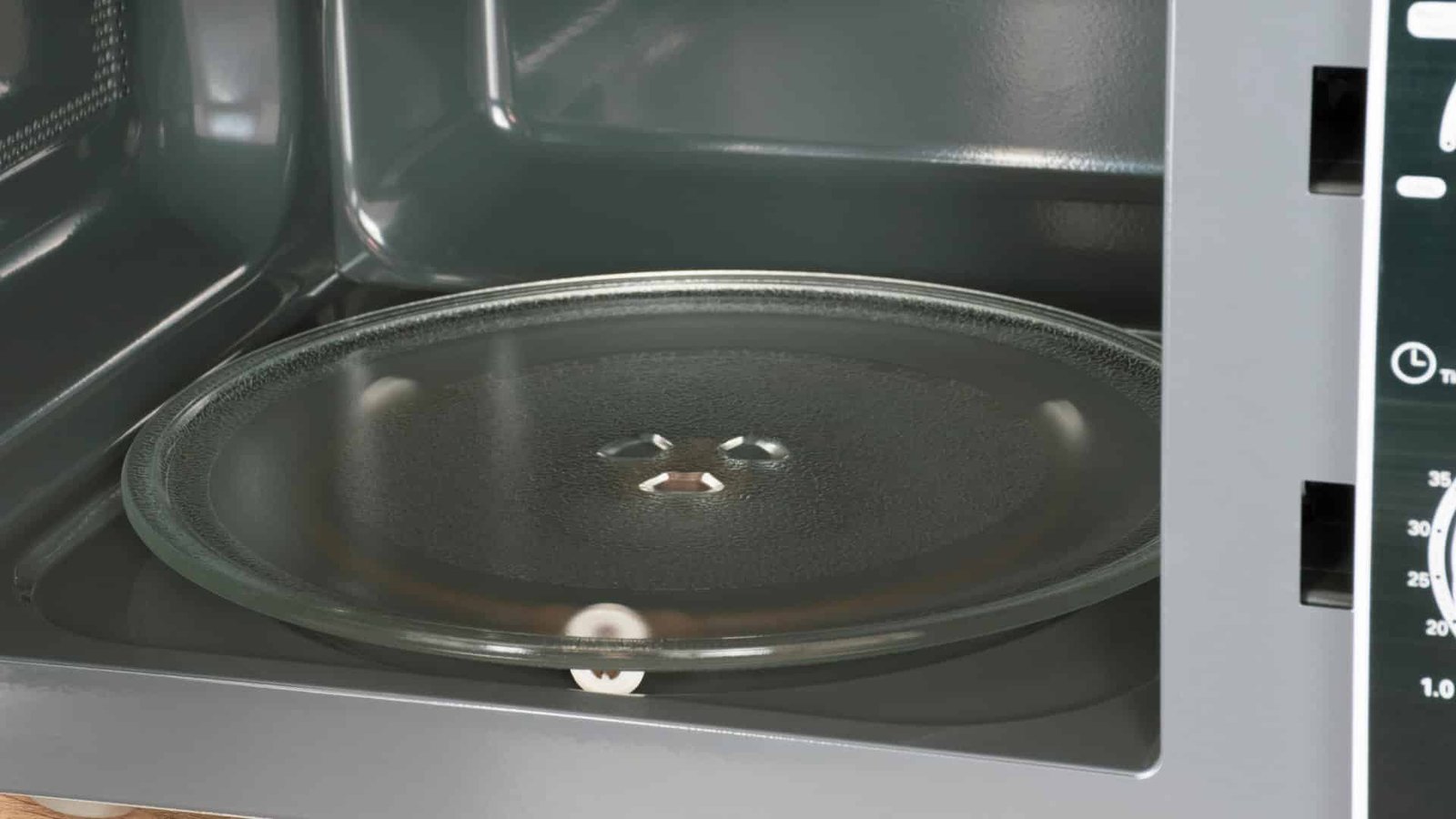
Most microwave turntables stop spinning due to a faulty motor, coupler, or dirty roller.
I’ve spent years fixing home appliances and testing quick DIY fixes. This guide digs into why your microwave turntable not spinning? I explain causes, step-by-step troubleshooting, real repair tips, and when to call a pro. Read on to save time and avoid common mistakes.

Common reasons microwave turntable not spinning?
Most fixes start with simple parts. Below are frequent causes and a short note on each.
- Turntable motor failure. The motor can burn out or seize over time.
- Broken coupler or drive bushing. The plastic coupler that links motor to plate can crack.
- Roller ring or track issues. Food crumbs and grease stop rollers from turning.
- Misaligned plate or heavy load. An off-center dish can stall motion.
- Faulty control board or wiring. Electronic parts can fail and stop commands.
- Worn bearings or shaft. Metal parts can wear and stop spinning.
- Child lock or setting engaged. Some models pause rotation for certain modes.
I’ve seen a stuck roller ring cause the same symptom as a dead motor. Start with the easy checks first.
How to troubleshoot when microwave turntable not spinning?
Safety first. Unplug the microwave before any inspection or repair.
- Check the plate and roller
- Remove the glass plate and roller ring.
- Clean grease and crumbs with warm soapy water.
- Re-seat the roller and plate evenly.
- Test with a light load
- Place a small, centered bowl and run 10–15 seconds.
- If it spins, the problem may be load imbalance.
- Inspect the turntable coupler
- Look under the plate center for a plastic coupler.
- If it’s cracked, the motor may be fine but the coupler is broken.
- Listen for the motor
- If you hear humming but no spinning, the motor may be weak or stuck.
- No sound could mean wiring or motor failure.
- Check for obstructions
- Look for food debris under the rail and in the cavity.
- Clean any buildup that could block motion.
- Test motor continuity (for DIYers comfortable with electrical work)
- Use a multimeter to check motor resistance.
- If there’s no continuity, the motor likely needs replacing.
When you follow these steps, many problems resolve quickly. If you are unsure about electrical testing, stop and call a technician.
When to replace parts or call a pro for microwave turntable not spinning?
Simple fixes you can do
- Replace the roller ring or coupler. Parts are cheap and easy to swap.
- Clean the track and plate. This often fixes the issue.
When to call a professional
- Motor failure. If the motor hums or shows no continuity, a pro can replace it safely.
- Control board or wiring faults. Diagnosing electronics is best left to service techs.
- High-voltage components. Anything near the magnetron is dangerous to handle.
Costs and time
- Roller ring or coupler: low cost and quick.
- Motor replacement: moderate cost, can take 30–60 minutes.
- Control board repair: higher cost and may require parts ordering.
From experience, replacing the coupler fixed the problem for me in under 20 minutes. If you are unsure, calling a pro saves risk and time.
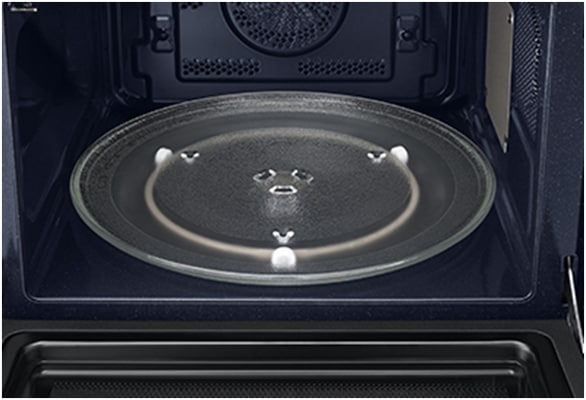 maintenance to avoid microwave turntable not spinning?”
style=”max-width: 100%; height: auto; border: 2px solid black; border-radius: 10px; display: block; margin: 0 auto;”
loading=”lazy”
/>
Preventive maintenance to avoid microwave turntable not spinning?
Small habits extend part life. Try these routine steps.
- Keep the turntable clean. Wipe spills quickly to prevent buildup.
- Inspect the roller ring monthly. Replace if it shows wear.
- Use centered loads. This reduces strain on the motor and coupler.
- Avoid oversized or very heavy dishes. They can stall the turntable.
- Run occasional short cycles. This keeps moving parts from seizing.
- Check for level placement. Ensure the microwave sits flat on the counter.
Regular care prevents most common failures I’ve seen. A five-minute check each month goes a long way.

Tools and parts you may need for microwave turntable not spinning?
Gather these before you begin, if you plan to repair yourself.
- Screwdrivers set. For removing panels and access screws.
- Replacement coupler or drive bushing. Model-specific part.
- Roller ring replacement. Often inexpensive and model-matched.
- Multimeter. For testing motor continuity and simple wiring checks.
- Work gloves. Protect hands from sharp edges.
- Soft cloth and mild detergent. For cleaning the track and plate.
Match parts to your microwave model. Using the wrong part can cause more damage.

Frequently Asked Questions of microwave turntable not spinning?
Why is my microwave turntable not spinning but the light is on?
If the light is on but the turntable won’t move, the turntable motor, coupler, or roller ring may be faulty. Also check for child lock settings or an off-center load that prevents rotation.
Can I run a microwave without the turntable spinning?
You can, but heat may cook unevenly. The turntable helps food heat evenly; running without it often leaves cold spots.
How much does it cost to replace a microwave turntable motor?
Motor costs vary by model but are usually moderate; expect parts plus labor if a technician repairs it. DIY replacement lowers cost but requires basic electrical skill.
Is it safe to fix a microwave turntable motor myself?
Handle with caution and unplug first. If you are not comfortable with electrical work or removing panels, hire a qualified technician to avoid risk.
How long does a microwave turntable motor last?
Lifespan depends on use and care. With normal use and proper maintenance, a motor often lasts several years but may fail sooner if overloaded or dirty.
Will cleaning the roller ring fix the turntable not spinning?
Cleaning often fixes the issue if debris or grease caused the stall. Remove the plate and roller ring, clean thoroughly, and re-seat them to test.
Conclusion
You now have a clear roadmap for diagnosing and fixing a microwave turntable not spinning? Start with simple checks like cleaning and inspecting the roller ring. Move to coupler and motor checks only if needed, and call a pro for electrical or board issues. Take action today by trying the quick cleaning and balance test first, then decide whether a parts swap or technician visit is best. If this helped, try these steps on your microwave and share your result or questions below.