Microwave Keypad Issues: Fixes, Causes & Quick DIY Tips
Most microwave keypad issues come from spills, worn membranes, or loose ribbon cables.
I have fixed dozens of microwaves and taught repair basics to homeowners. This guide explains why microwave keypad issues happen, how to diagnose them, and which fixes are safe to try at home. Read on for clear steps, real tips from field work, and smart decisions to save time and money.

What causes microwave keypad issues?
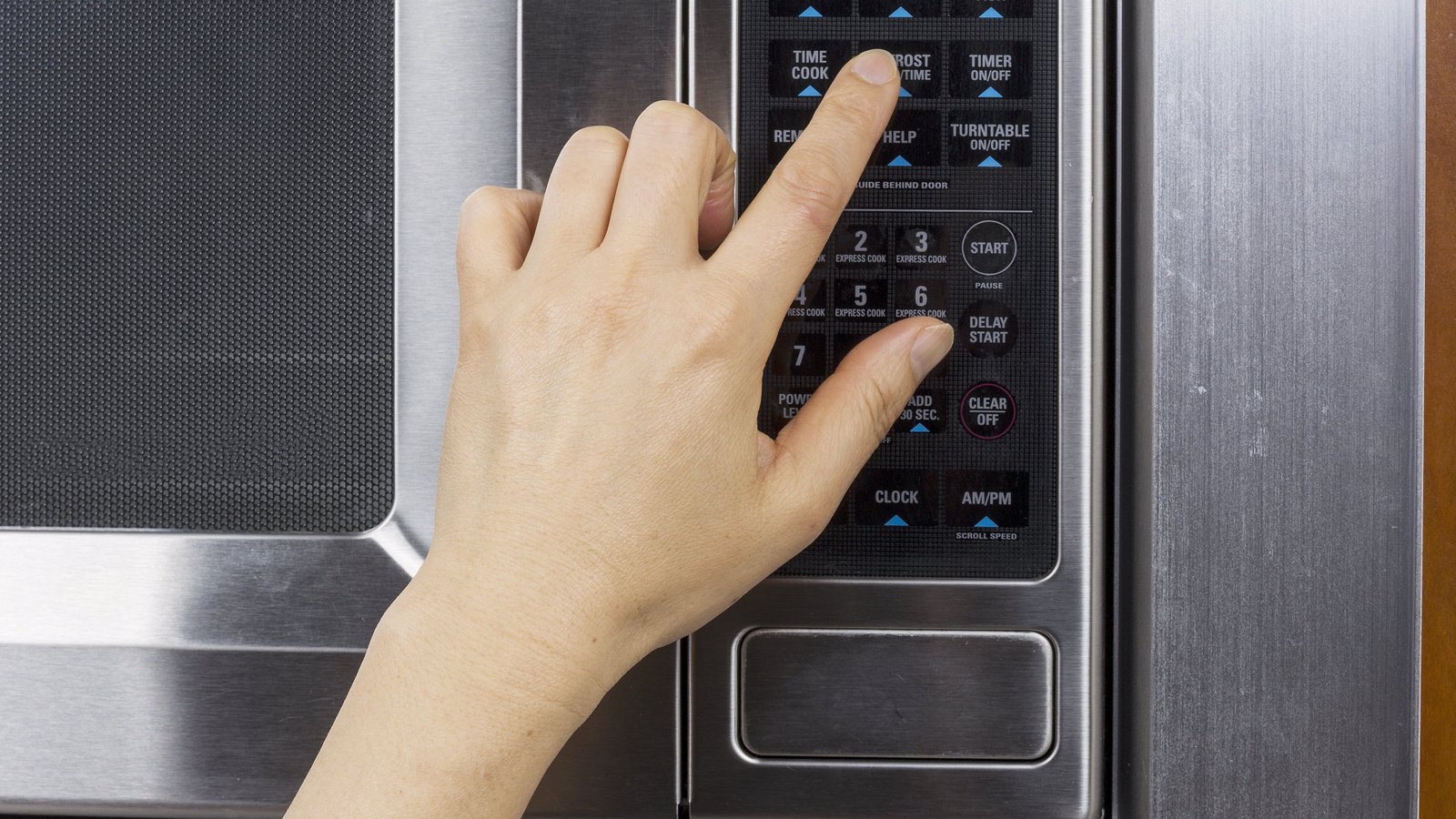
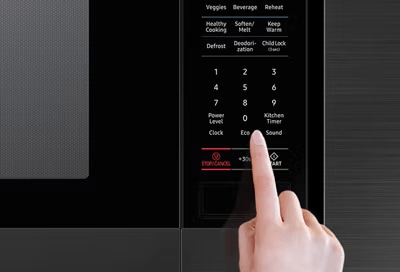
Microwave keypad issues come from many simple sources. A spilled sauce can seep into the membrane and stop contacts from working. Humidity and steam can corrode connector pins over time. Heavy use wears the printed labels and the conductive layer under the keys.
Other causes to watch for:
- Power surges that damage the control board and affect keypad response.
- A loose or damaged ribbon cable between the keypad and control board.
- Faulty keypad membrane or worn carbon pads under the buttons.
- Dirt, grease, or sticky food that locks keys in place.
- Internal electronic faults in the microcontroller or power supply.
My experience: I once replaced a ribbon cable on an old unit and it ran like new. Many issues are small and fixable. Knowing the cause helps pick the right fix.
How to diagnose microwave keypad issues at home
Start with safe, simple checks. Unplug the microwave for a minute. Plug it back in and try the keys again. This quick reset can clear minor software glitches.
Steps to diagnose:
- Check the display and lights. No lights may mean power issues, not keypad faults.
- Smell for burning. A burnt smell often points to a failed control board.
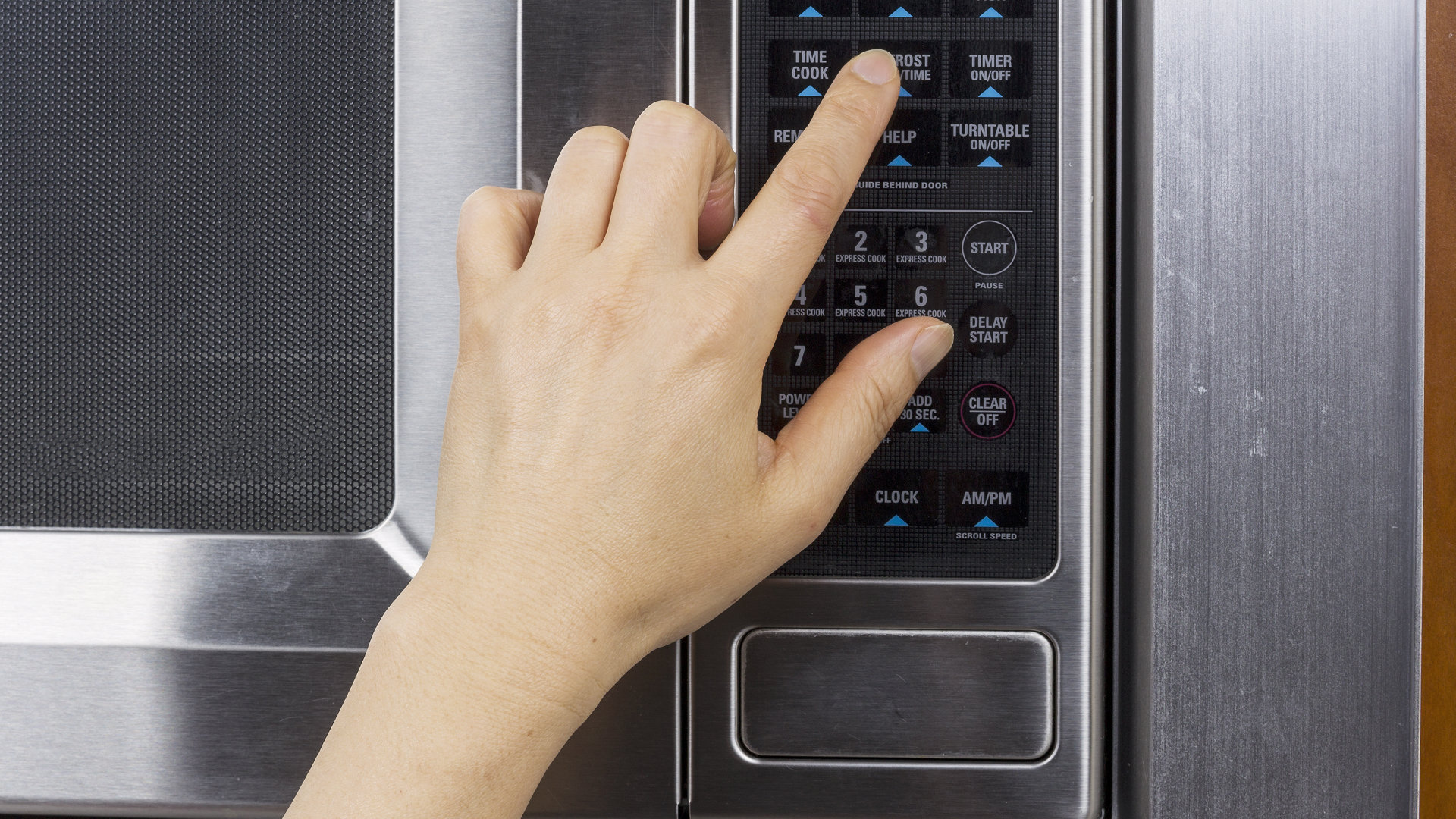
- Press each key in turn. Note which keys fail and which work.
- Look for visible damage. Peeling labels, sticky or sunken keys show wear.
- Inspect seams and vents for moisture. Steam often causes intermittent faults.
- If you can access the back safely, check the ribbon cable for a loose plug. Only do this with power off and unplugged.
If you have a multimeter, you can test the ribbon cable and continuity of fuses. If you do not, stop and seek help. Safety first. Many microwave parts carry high voltages even when unplugged.

Common troubleshooting and DIY fixes
Many microwave keypad issues are fixable with low-cost steps. Always unplug before touching internal parts. If you are not comfortable, call a pro.
DIY fixes to try:
- Power-reset: Unplug for 5 minutes and restart. This can clear electronic glitches.
- Surface clean: Use a soft cloth dampened with mild soap to clean keys. Avoid spraying liquids directly.
- Dry out moisture: Leave the door open for a day or use silica packs near the vents to absorb humidity.
- Reseat ribbon cable: With the unit unplugged, remove the back panel and gently reseat the ribbon connector. Bent contacts are a common cause.
- Contact cleaner: For exposed contacts, a small amount of electronics contact cleaner can restore flow. Use sparingly and follow instructions.
- Replace the membrane: If the membrane is worn or peeling, replacement kits are inexpensive and often easy to swap.
- Replace the keypad board: If a button is burnt or the membrane is damaged beyond repair, replace the whole keypad assembly.
Personal tip: I once fixed a microwave by cleaning around the keypad and reseating the cable. It worked for months. Small fixes often help. But do not touch the magnetron or high-voltage parts. If you smell smoke, stop and get professional help.
When to call a professional or replace the microwave
Some signs mean you should stop DIY and call a technician:
- A strong burnt smell or visible burn marks near the board.
- Sparks, arcing, or smoke from inside.
- No power at all after basic checks and fuse inspection.
- Replacing the membrane or keypad does not help.
- The unit is under warranty.
Cost and replacement tips:
- Membrane keypad replacements can cost $20 to $80 in parts.
- Labor for a service call plus repair may range from $70 to $200 depending on your area.
- If repair costs approach or exceed half the price of a new microwave, replacement is often smarter.
- For units older than 8–10 years, replacement may be safer and more energy efficient.
I recommend documenting the model number and symptoms before you call. This saves time on diagnosis.

Preventive maintenance to avoid keypad problems
Preventing microwave keypad issues is easy and cheap. Small habits go a long way.
Simple preventive tips:
- Wipe keys after each spill with a soft damp cloth.
- Use a microwave cover to reduce splatter inside.
- Avoid heavy or sharp objects on the keypad.
- Keep the microwave in a dry spot and avoid steam build-up.
- Use a surge protector to guard against power spikes.
- Run a short steam-clearing cycle after heavy cooking to reduce lingering moisture.
I learned to keep a small microfiber cloth near the stove. Quick wipes cut down long-term keypad failure.
Parts and repairs: what to expect and how to buy parts
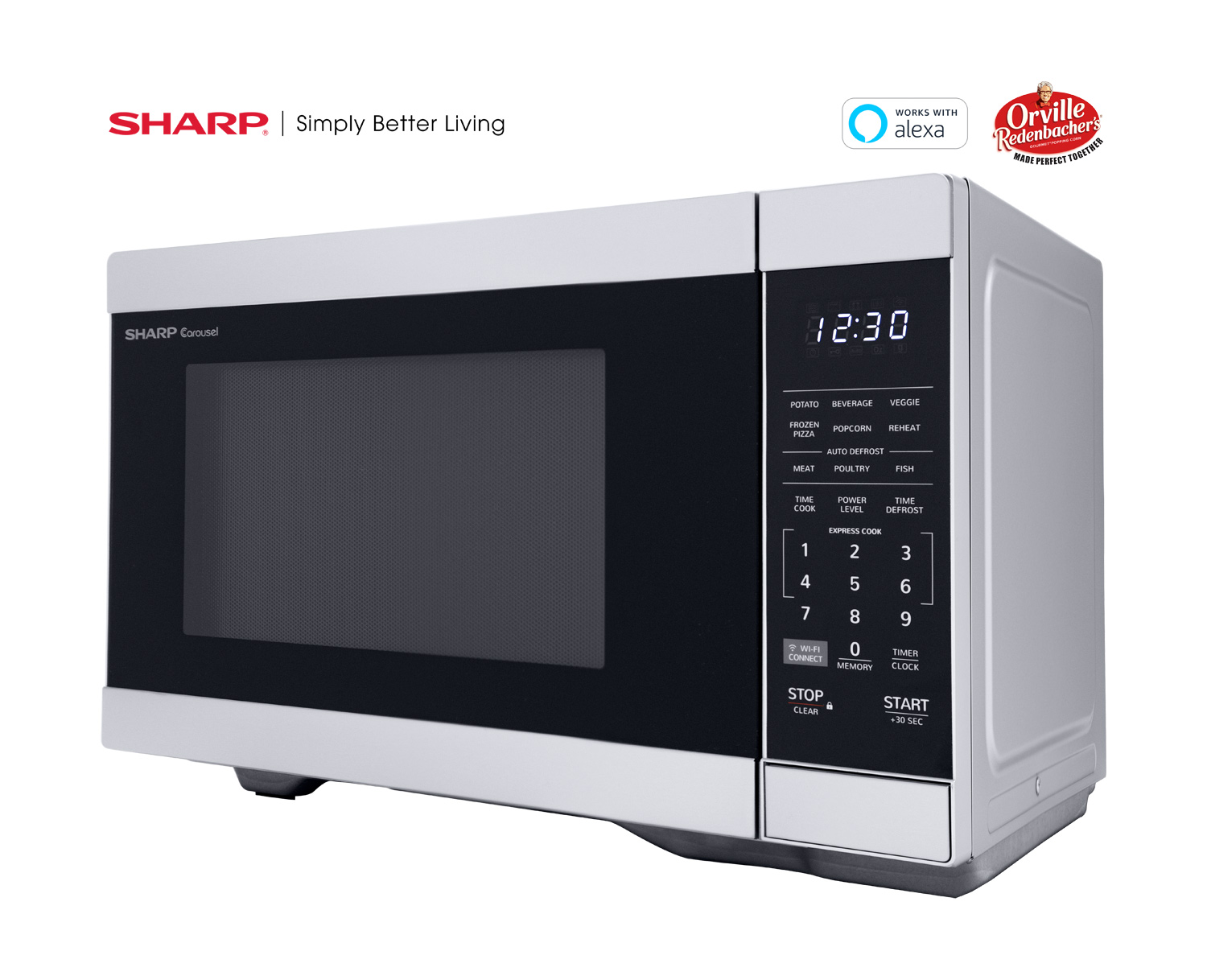
If you decide to repair, know what to look for. Parts vary by model. Get the exact part number.
What you may need:
- Membrane keypad assembly for your model.
- Ribbon cable or connector harness.
- Control board if keys still fail after keypad swap.
- Screws and small fasteners.
How to buy parts:
- Record the make and model from the microwave label.
- Order OEM parts where possible for best fit.
- Check for repair guides or videos for your model before buying.
- If you are unsure, ask the seller for compatibility confirmation.
When hiring a repair pro, ask for a parts vs labor breakdown. A clear quote helps you decide if repair is worth it.

Troubleshooting checklist (quick reference)
Use this short list when you face microwave keypad issues. It is fast and clear.
Step-by-step checklist:
- Unplug the microwave for 1–5 minutes and plug back in.
- Clean the keypad gently with a damp cloth.
- Test each key and note which fail.
- Look for visible damage or sticky keys.
- If safe, open the back with the unit unplugged and check the ribbon cable.
- Try replacing the membrane if keys show wear.
- If you smell burning or see sparks, stop and call a technician.
Follow these steps to narrow the problem quickly and safely.

Frequently Asked Questions of microwave keypad issues
Why won't my microwave keypad respond at all?
A non-responsive keypad often points to power issues, a blown fuse, or a failed control board. Try a power reset and check the fuse; if that fails, contact a technician.
Some keys work but others don't. What does that mean?
Partial failure usually means a worn membrane, bad carbon pads, or a faulty ribbon cable. Replacing the membrane or reseating the cable often fixes this.
Can moisture cause keypad failure?
Yes. Steam and spills can corrode contacts and make keys fail. Drying the unit and cleaning the keypad can restore function in many cases.
Is it safe to repair the keypad myself?
Simple tasks like cleaning and reseating cables are safe when the unit is unplugged. Do not touch the magnetron or high-voltage areas; leave complex repairs to professionals.
How much does keypad repair typically cost?
Membrane replacements can be $20 to $80 for parts. Labor adds $70 to $200 depending on the repair and your region. Costs vary by brand and age of the microwave.
Will unplugging the microwave fix keypad glitches?
Unplugging can reset the electronics and clear minor glitches. It helps in many cases, but not when parts are physically damaged.
Conclusion
Microwave keypad issues are common and often fixable. Start with simple steps: reset power, clean the keypad, and check the ribbon cable. For worn membranes or burned parts, replacement can be cheap. For burned smells, sparks, or full board failure, call a professional.
Act now to prevent small problems from getting worse. Try the checklist and share what you found. Leave a comment with your model and symptoms, or subscribe for more repair tips and guides.