Microwave Preset Programs: Smart Uses And Tips
Microwave preset programs pick the right time and power automatically for common foods.
I’ve worked with kitchen tech and tested dozens of microwaves, so I know what works and what wastes time. This guide explains how microwave preset programs work, why they matter, and how to use them well. Read on for practical steps, real tips from experience, and clear guidance to get predictable results with your microwave.

What are microwave preset programs?
Microwave preset programs are built-in settings that run a set time and power for a specific food or task. Manufacturers map common foods—popcorn, potatoes, beverages—to a preset so you do not guess time or power. Some presets use simple fixed times, while sensor-based presets adjust time by measuring steam or humidity. The aim is to make cooking faster, easier, and more predictable for everyday use.
How microwave preset programs work
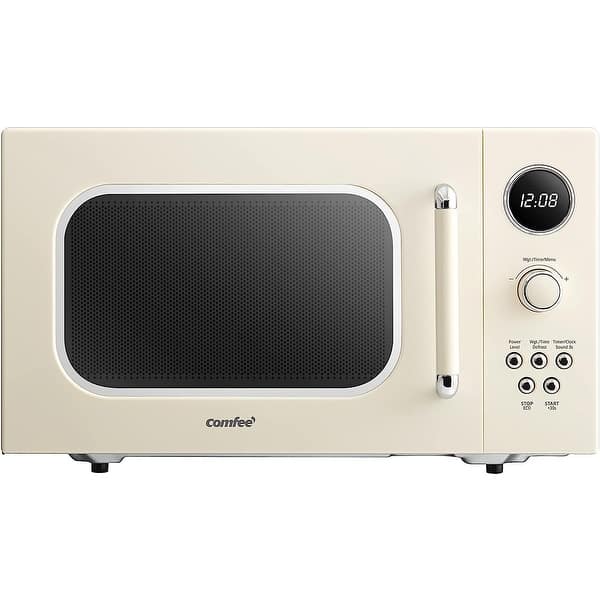
Most microwave preset programs follow clear logic. Basic presets use a factory-set time and power level tied to the food label. Sensor presets use a humidity or temperature sensor to stop cooking when the food reaches a target state. Advanced models use inverter technology for steady power and smarter control over heat.
Common technical elements in presets:
- Power level mapping — translates a chosen program into the oven’s power output.
- Sensor feedback — detects steam, moisture, or temperature changes.
- Weight or type prompts — asks for food weight or a category to adjust time.
- Combination cooking — alternates microwave and grill or convection for browning.
How accurate are sensor cooking presets?
Sensor presets are generally reliable for moist foods like vegetables and soups, but accuracy drops with very dense or uneven items. They work best when the sensor window is clean and the dish size matches manufacturer guidance.
Can I use presets for frozen meals?
Presets for frozen dinners often work well because they combine defrost and reheat steps. Still, confirm the meal’s weight and stir when recommended for even heating.

Common presets explained and when to use them
Here are the presets you’ll see most often and how to get good results.
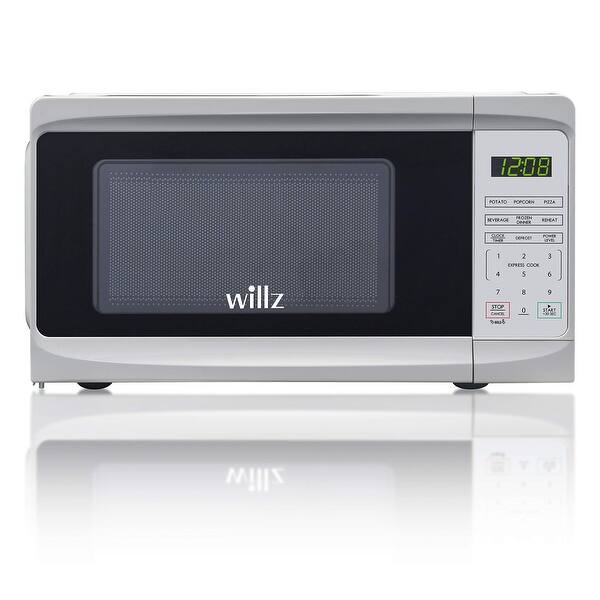
- Popcorn — Uses high power for short time and may rely on a built-in sensor. Tip: always follow the bag’s guidelines and stop early if kernels are nearly done.
- Potato — Long, medium-high cycles to cook through. Tip: pierce skin and rotate if your plate is large.
- Beverage — Short bursts to heat liquids without boil-over. Tip: use a microwave-safe cover to reduce splatter.
- Defrost — Lower power and longer time, often asking for weight. Tip: pause and turn food halfway through.
- Reheat — Medium power to warm leftovers without overcooking. Tip: stir or rotate to reduce cold spots.
- Frozen dinner — Combination of defrost and reheat stages for packaged meals. Tip: remove plastic films if the package warns.
- Vegetable/Steam — Sensor or timed cycles to preserve texture and nutrients. Tip: add a tablespoon of water for better steam.
- Sensor cook — Adjusts time automatically based on humidity or steam. Tip: keep the sensor area clean and don’t overcrowd the plate.
Using the right preset saves time and improves texture. I once burned a casserole by ignoring the “reheat” preset and using high power; presets often prevent that mistake.
Benefits of using microwave preset programs
Presets make cooking easier and more consistent. They reduce guesswork, which helps beginners and busy cooks. You get reliable reheating without drying food out, and sensor presets can reduce overcooking. Presets also save time because you don’t need to look up times every time you cook.
Personal insight:
When testing microwaves, preset performance was the quickest way to judge user experience. Good presets meant fewer failed attempts and less food waste. If a preset misses the mark, small adjustments usually fix the result.

Limitations and common mistakes with presets
Presets are helpful but not foolproof. They assume average portion sizes and typical containers, so results vary with weight and dish shape. Sensor presets can be fooled by steam from liquids near the sensor. Also, presets may not brown or crisp food well; many require grill or convection features for texture.
Mistakes to avoid:
- Overfilling plates or using deep containers that block even heating.
- Using non-microwave-safe plastics that can melt during preset cycles.
- Relying on presets for very dense or layered dishes without checking midway.
Be transparent about limits: presets simplify cooking but require judgment for unusual foods or custom recipes.

How to customize and maintain microwave preset programs
Most microwaves let you save or adjust presets. Customizing helps match the oven to your favorite dishes.
Steps to create or edit a preset:
- Select the program you want to change.
- Enter the preferred time and power level manually.
- Hold the program key or select a “save” option to store the new setting.
- Test with a small portion and fine-tune the time as needed.
Maintenance tips:
- Clean control panels and sensor areas regularly to keep sensor presets accurate.
- Reset to factory settings if presets act odd after a power surge.
- Keep a small notebook of custom settings for consistent results across meals.
From experience, saving two or three customized presets for your go-to meals makes weekday cooking much faster.

Buying guide: what to look for in preset programs
If presets matter to you, choose a microwave with these features.
Key features to prioritize:
- Sensor cook technology — adjusts time based on moisture for better results.
- Inverter power — provides steady energy for even heating.
- Memory presets — ability to save custom programs for repeat use.
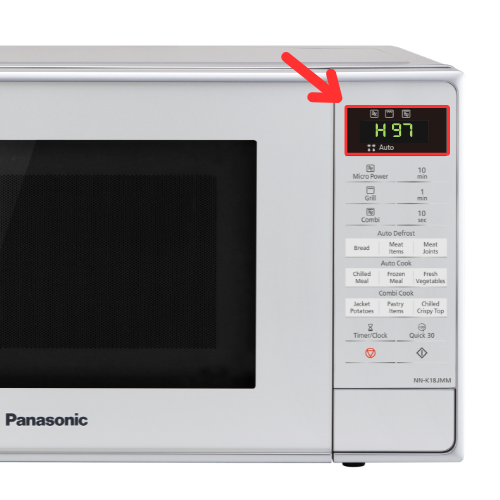
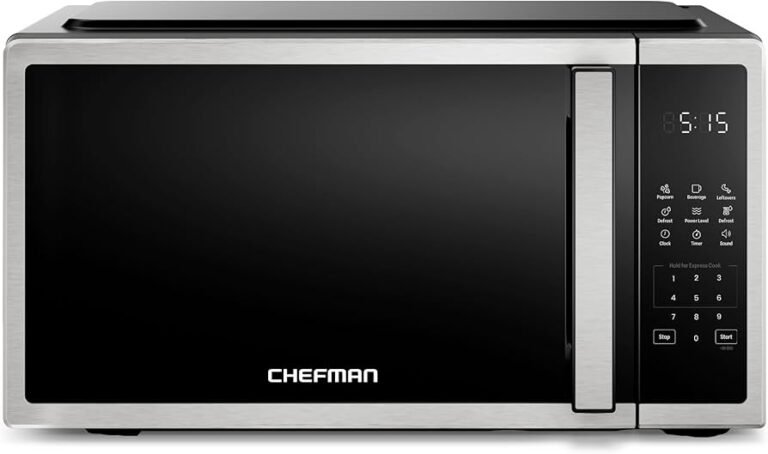
- Clear interface — good labels and prompts make presets easier to use.
- Combination modes — grill or convection options for browning and crisping.
Practical advice:
Balance features with budget. A mid-range model with reliable sensor presets often outperforms a basic unit with many inaccurate presets. Read reviews and test the interface in-store when possible.
Troubleshooting common preset problems
If a preset fails or cooks unevenly, try these fixes.
Quick checks and fixes:
- Clean the sensor and interior to remove food residue that confuses sensors.
- Verify the microwave wattage matches your recipe or preset assumptions.
- Rotate or stir food halfway through cycles to reduce cold spots.
- Reset the unit or unplug it for 60 seconds if the control board behaves oddly.
- Replace damaged turntables or rollers to maintain even rotation.
If presets still fail after cleaning and resets, the sensor or control panel may need service. Seek professional repair or consult the warranty.

Frequently Asked Questions of microwave preset programs
What are microwave preset programs and why use them?
Microwave preset programs are built-in settings that set time and power for specific foods. They simplify cooking and help users get consistent results without guessing.
Are sensor presets better than timed presets?
Sensor presets are often more accurate for moist foods because they respond to humidity, but timed presets can be more predictable for plated or heavy items. Use sensor for soups and vegetables; use timed for dense casseroles.
Can I reprogram factory presets?
Many modern microwaves let you save custom presets or adjust time and power for certain program keys. Check your manual for the exact steps to store or overwrite a preset.
Do presets work with any microwave-safe dish?
Presets assume typical microwave-safe dishes, but very thick or metal-trimmed containers will affect heating. Use plain ceramic or glass for the best results.
How do I clean the sensor for better preset accuracy?
Wipe the sensor area gently with a damp cloth and mild soap, then dry it completely. Avoid abrasive cleaners and do this regularly for consistent sensor performance.
Will a preset overcook my food?
A preset can overcook if the portion is smaller than expected or if the dish is insulated. Pause mid-cycle to check and reduce future preset times as needed.
Is it safe to use presets with frozen food?
Yes, many presets are made for frozen items and combine defrost and reheat steps. Confirm weight prompts and follow package directions when available.
Conclusion
Microwave preset programs take the guesswork out of everyday cooking. Use them to save time, improve consistency, and cut down on wasted meals. Test presets, make small custom tweaks, and keep the sensor clean for best results. Try saving one or two custom presets for your favorite meals this week, and leave a comment sharing what worked for you or which preset surprised you most.